How to Install APK Files on Android

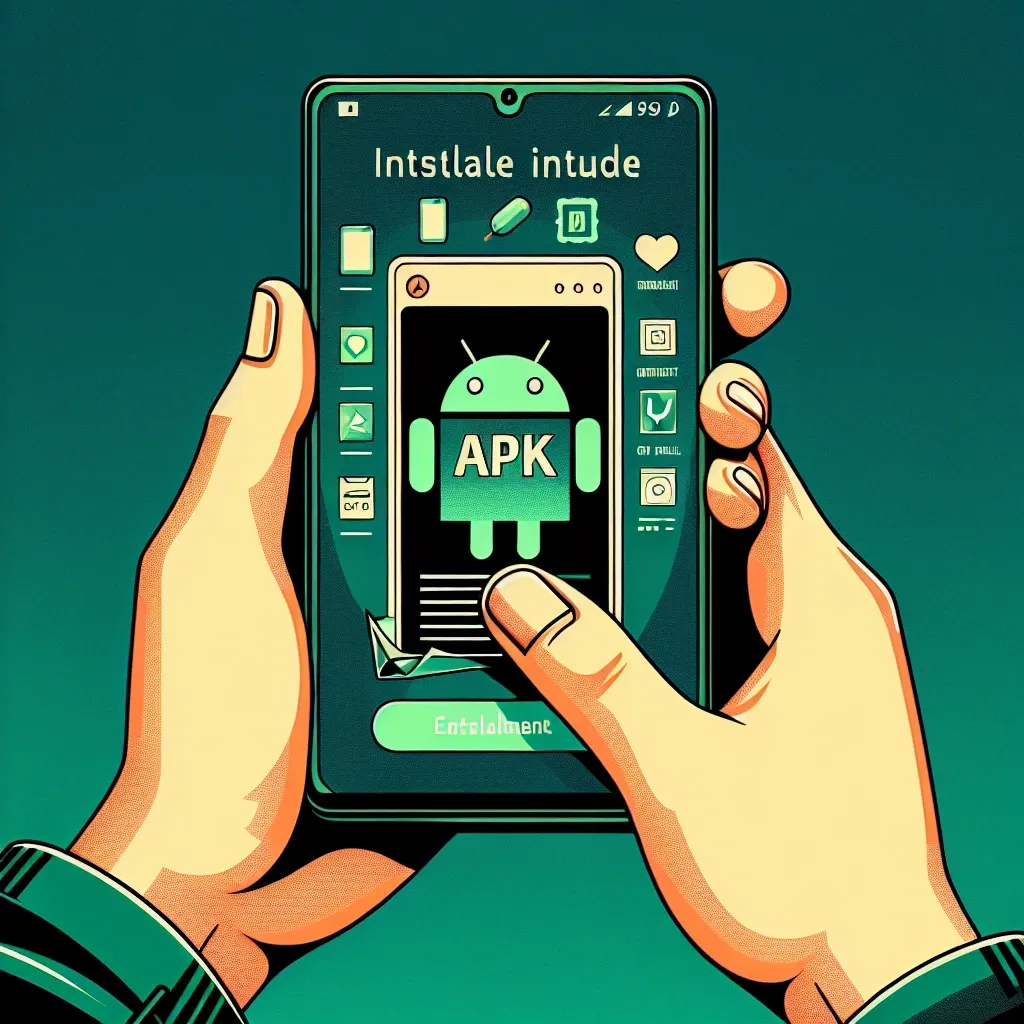
A pair of hands taps an Android-style screen showing the APK logo and installation icons in teal and green, with app panels around it.
Hands tap an Android-style display with an APK install prompt and app icons on a teal background.
If you want to download and install applications on your Android device without using the Google Play Store, you may come across the term ‘APK file.’ APK stands for Android Application Package, and it is the file format used to distribute and install applications on Android devices.

If you want to download and install applications on your Android device without using the Google Play Store, you may come across the term ‘APK file.’ APK stands for Android Application Package, and it is the file format used to distribute and install applications on Android devices.

Here is a simple guide on how to install APK files on your Android device:

  1. Enable Unknown Sources: Before you can install APK files, you need to enable the ‘Unknown Sources’ option in your device’s settings. This allows you to install applications from sources other than the Google Play Store.
  2. Download the APK File: You can download APK files from various sources on the internet. Make sure to download from reputable sources to avoid potential security risks.
  3. Locate the APK File: Once the APK file is downloaded, navigate to the location where the file is saved. This is usually in the ‘Downloads’ folder on your device.
  4. Install the APK File: Tap on the APK file to start the installation process. You may be prompted to give permission to install apps from unknown sources. Allow the installation to proceed.
  5. Complete the Installation: Once the app is installed, you will see a confirmation message. You can now open the app from your device’s app drawer and use it as you normally would.

It is essential to exercise caution when downloading and installing APK files from unknown sources to avoid malware or other security threats. By following these steps, you can safely install APK files on your Android device and enjoy a wider range of applications.


0 Shares:
You May Also Like
Read More

How to Change Colours in Command Prompt

If you spend a lot of time working in the Command Prompt window on your computer, you might find the default color scheme a bit boring. Changing the colors can not only make the Command Prompt more visually appealing but also help you differentiate between various types of text more easily.
Read More

How to Compress Large Files

Compressing large files is essential for conserving storage space on your devices and making file sharing more convenient. Whether you need to send a large folder of documents via email or save space on your hard drive, understanding how to compress files efficiently can be incredibly beneficial.
A blue digital interface shows document and data folder icons, charts, envelopes, and a cursor over a DAT folder.
Read More

How to Open a DAT File

If you’ve ever come across a file with a .dat extension and wondered how to open it, you’re not alone. DAT files are commonly used to store data in various programs, but they can be a bit tricky to access if you don’t know the right tools. Here are some simple steps to help you open a DAT file:
Read More

6 Easy Steps to Clear Your TikTok Cache on iPhone and Android

If you’re a TikTok user, you may have noticed that the app can sometimes slow down or experience glitches. One way to address this issue is by clearing the app’s cache, which can help improve performance and free up storage space on your device. Here are 6 easy steps to clear your TikTok cache on iPhone and Android:
Read More

Instagram Video Download: The Ultimate Guide for Easy Downloads

Instagram is a treasure trove of visual content, ranging from memorable moments to stunning videos. Whether it’s a recipe, a travel vlog, or a workout video, the desire to download these clips is common. In this comprehensive guide, we’ll take you through the best methods for Instagram video download to ensure you’re well-equipped to save all your favorite videos.