Where visual content plays a crucial role in communication and expression, it’s essential to have a good grasp of image formats. When it comes to sharing or displaying images on the web, converting them to the right format can make a significant difference.
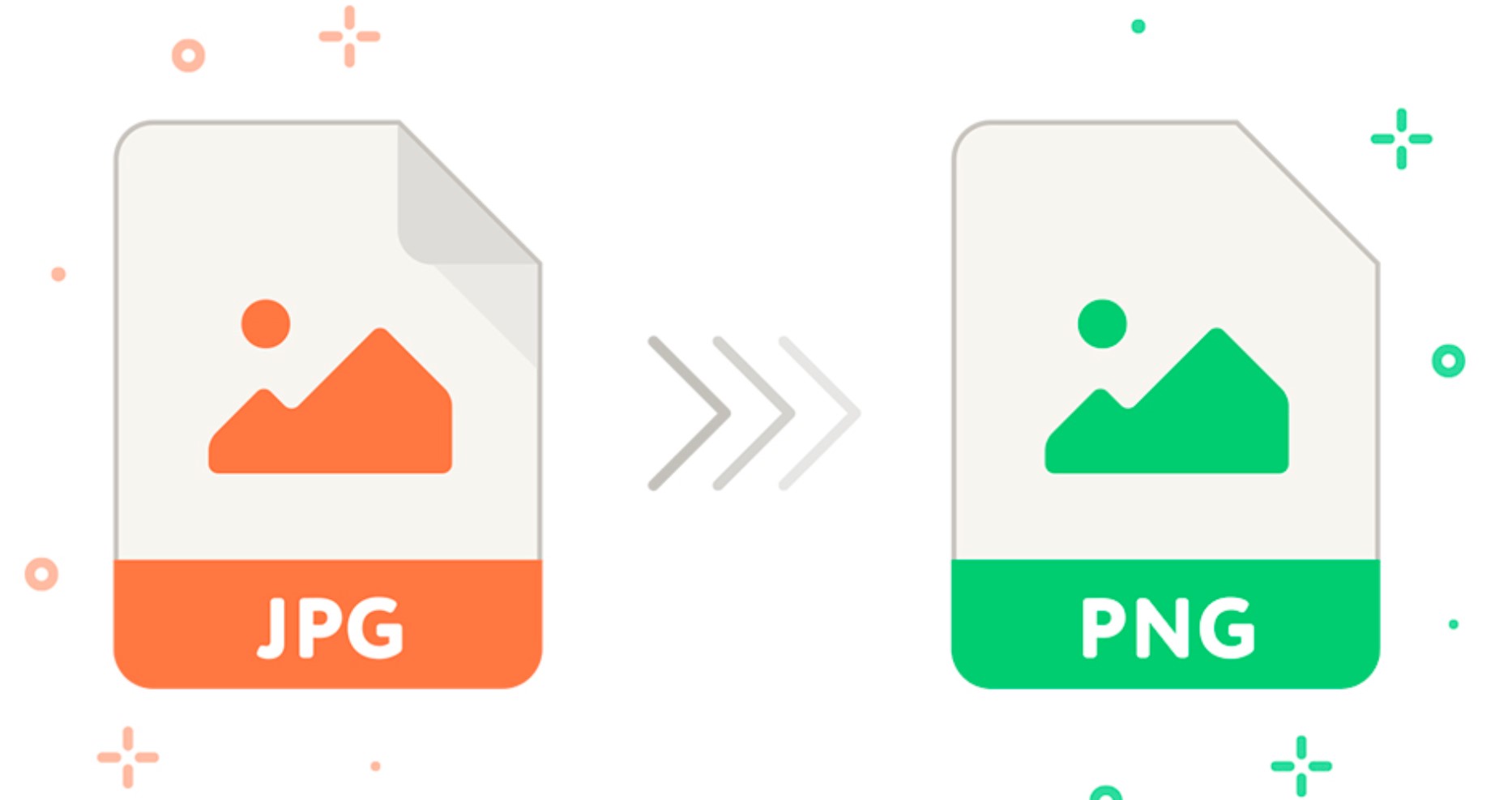
We will explore the process of converting PNG (Portable Network Graphics) images to JPG (Joint Photographic Experts Group) format effortlessly. Whether you are a professional designer, a blogger, or a social media enthusiast, understanding this format transformation will empower you to optimize your images effectively.
The Significance of Format Transformation
Converting PNG to JPG format is often necessary due to several reasons. JPG files are widely supported and compatible with various platforms, making them ideal for online usage. They offer a good balance between image quality and file size, which is crucial for faster loading times. Moreover, many websites and social media platforms prefer JPG images for better optimization and seamless sharing. By mastering the art of converting PNG to JPG, you can enhance the visibility and impact of your visuals in the digital realm.
Steps to Convert PNG to JPG
To convert PNG to JPG, you have several options at your disposal. Let’s explore some of the most popular methods:
1. Online Conversion Tools
Numerous online conversion tools make the process of converting PNG to JPG a breeze. These tools typically have a user-friendly interface and allow you to upload your PNG image and convert it to JPG instantly. Some well-known online tools include:
- Convertio
- Zamzar
- Online-Convert
By utilizing these tools, you can convert your PNG images to JPG without the need for any software installation.
2. Image Editing Software
Image editing software like Adobe Photoshop and GIMP also provide an excellent solution for converting PNG to JPG. These programs offer advanced features and customization options, allowing you to optimize your images according to your specific requirements. Follow these steps to convert PNG to JPG using Adobe Photoshop:
- Open the PNG image in Adobe Photoshop.
- Go to the “File” menu and select “Save As.”
- Choose the JPG format from the drop-down menu.
- Adjust the desired quality and compression settings.
- Click “Save” to convert and save the image in JPG format.
With the help of image editing software, you can have full control over the conversion process and fine-tune the output to achieve optimal results.
3. Dedicated Conversion Software
Apart from online tools and image editing software, dedicated conversion software is available for converting PNG to JPG. These programs are specifically designed to simplify the conversion process and provide additional features. Some notable examples are:
- XnConvert
- IrfanView
- Pixillion Image Converter
These software solutions offer a wide range of functionalities, making the conversion process efficient and effortless.
Frequently Asked Questions (FAQs)
Can I convert PNG to JPG without losing image quality?
Yes, it is possible to convert PNG to JPG without significant loss of image quality. However, it’s important to note that JPG is a compressed format, and some loss of quality is inevitable. To minimize the loss, you can choose the highest quality setting available during the conversion process.
What are the advantages of using JPG format?
JPG format offers several advantages, including smaller file sizes, widespread compatibility, and better optimization for web usage. It is the preferred format for sharing images online and ensures faster loading times on websites and social media platforms.
Are there any limitations to converting PNG to JPG?
One limitation of converting PNG to JPG is the loss of transparency. PNG images can have transparent backgrounds, which can be useful in certain situations. When converted to JPG, the transparency is replaced with a solid color, typically white. If maintaining transparency is crucial, other formats like GIF or PNG should be considered.
Can I convert multiple PNG images to JPG simultaneously?
Yes, many conversion tools and software allow batch conversion, enabling you to convert multiple PNG images to JPG simultaneously. This feature saves time and effort, especially when dealing with a large number of images.
Are there any online resources to learn more about image formats and conversions?
Yes, several online resources provide in-depth information about image formats and conversions. Some reputable sources include:
- Wikipedia: Image file formats
- Digital Trends: Understanding image file formats
These resources can further expand your knowledge and help you stay up to date with the latest developments in image formats.
Is it possible to convert JPG images back to PNG?
Yes, it is possible to convert JPG images back to PNG. However, it’s important to note that converting from a lossy format (JPG) to a lossless format (PNG) may not restore the original image quality. The image may retain the artifacts and compression artifacts introduced during the initial conversion to JPG.
Consequence
Mastering the art of format transformation is essential in the digital landscape, especially when it comes to optimizing images for the web. Converting PNG to JPG enables better compatibility, faster loading times, and seamless sharing across various platforms. By utilizing online conversion tools, image editing software, or dedicated conversion software, you can effortlessly convert PNG images to JPG and enhance the impact of your visuals.
We explored various methods of converting PNG to JPG and answered frequently asked questions to provide a comprehensive understanding of the topic. Remember to consider the advantages and limitations of each method before selecting the most suitable approach for your specific needs.